Sic Semper Errata · Municipal records
Keep every OPRA request, decision, and response in one record.
For New Jersey clerks. Track the 7-day clock, review each record, and export the response and audit trail separately.
NJ 7-day clock · audit export · Designed with NJ clerks
Demo v0.1.1 · Sample records. Nothing is sent. The demo asks you to accept the terms first. Municipal deployment in development →
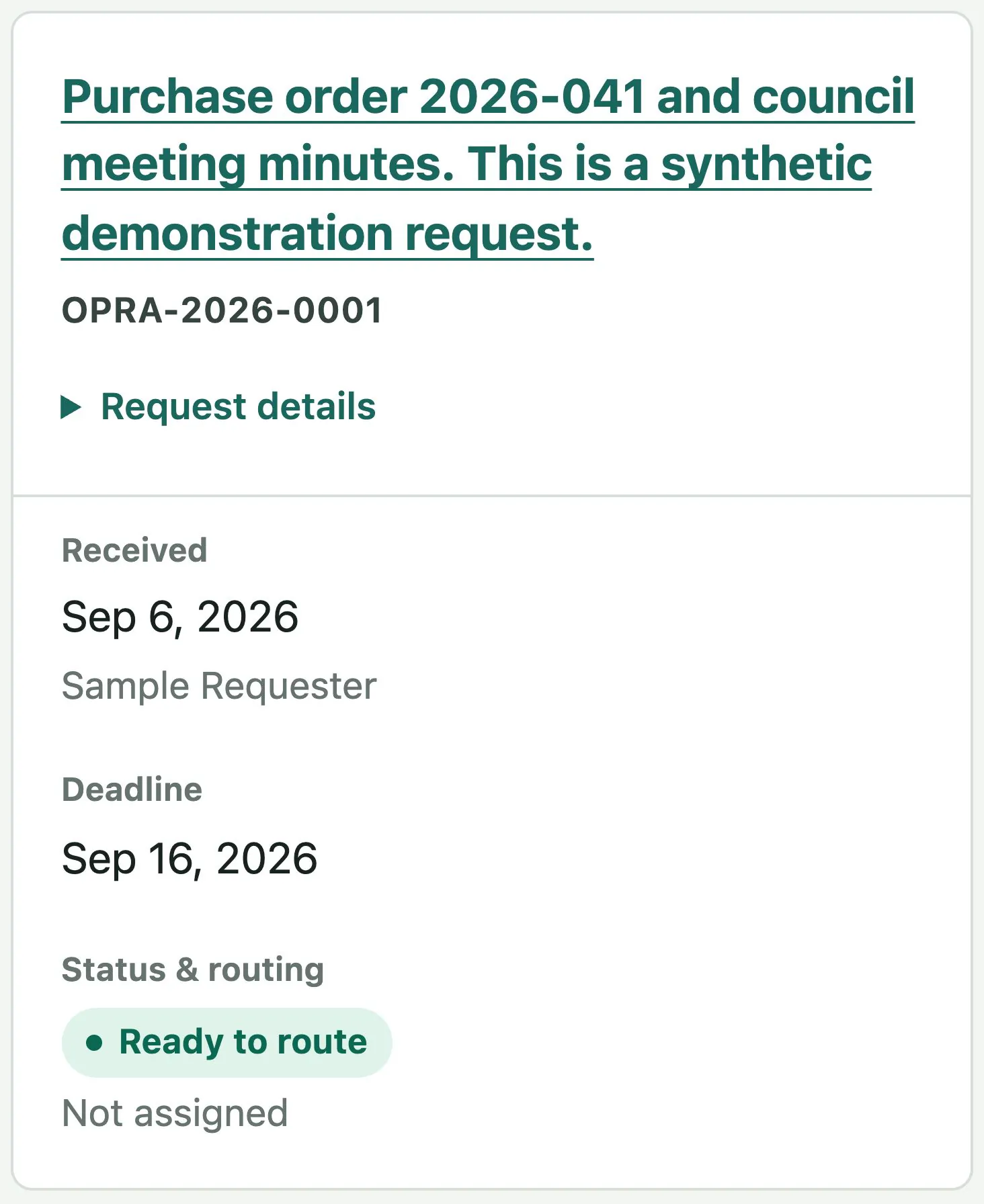
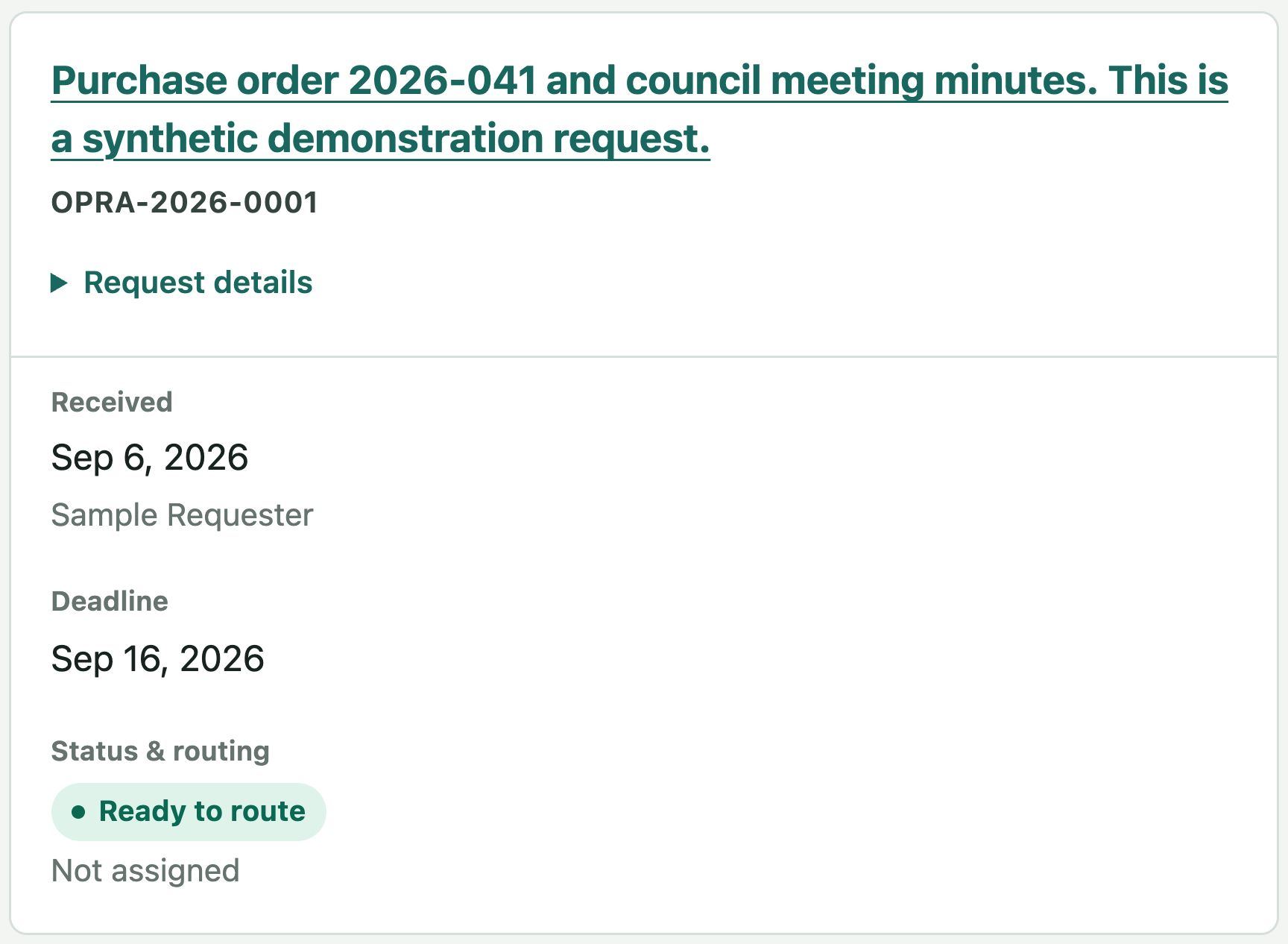
From receipt to response
One request. A complete record.
Receive
Enter the request or review an imported PDF.
Collect
Connect the requested items to the records you find.
Review
Save a decision and a reason for each record.
Respond
Prepare the approved files and written response.
Mobile app concept
A request, sized for your phone.
A proposed mobile companion for checking requests, reviewing record decisions, and following case activity.
Design preview · Not released
Choose a screen below. The working Bellwether demo runs in your browser.
Try the browser demoTap Requests, Review, or Activity to explore.
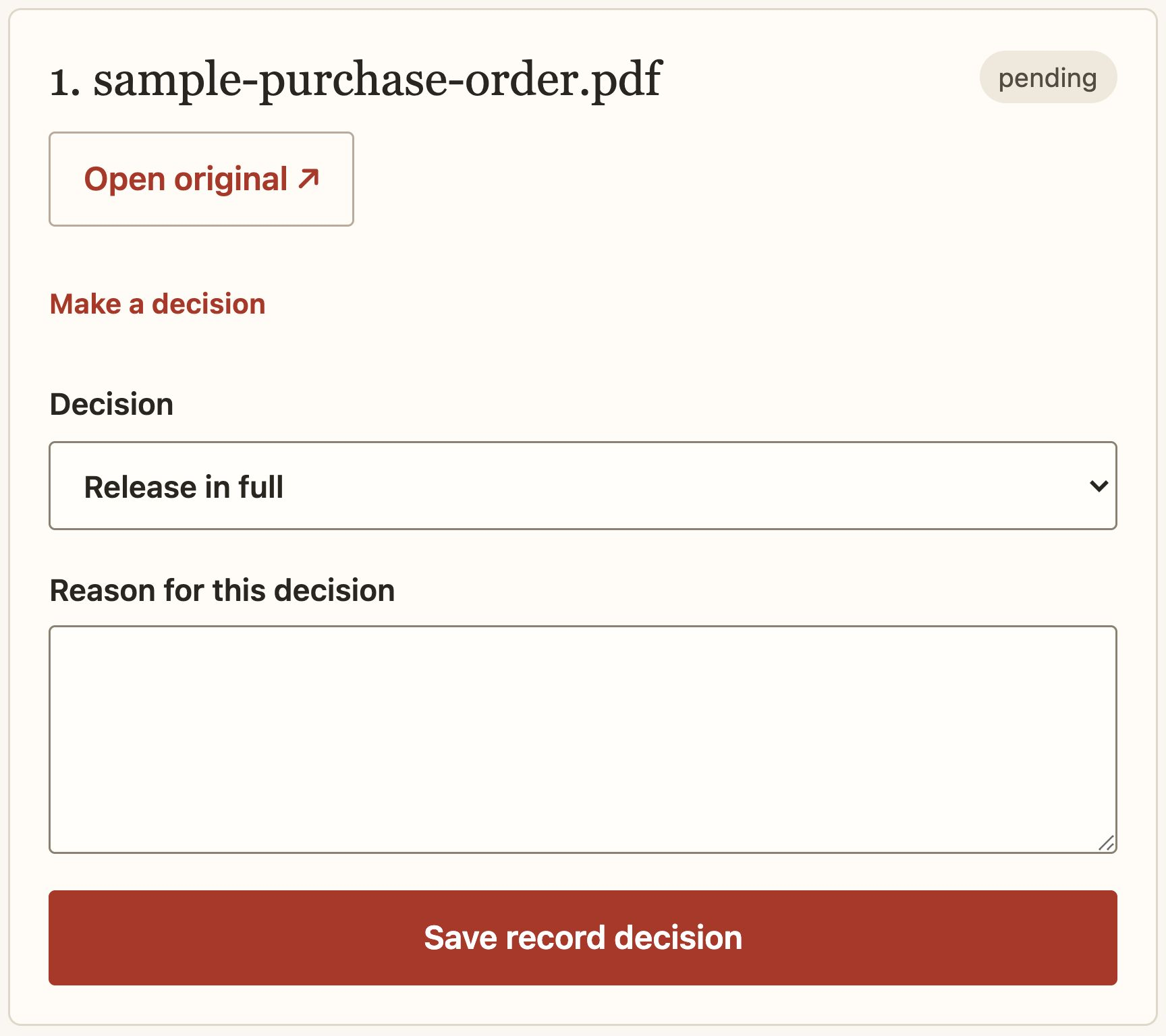
Record review
The decision belongs beside the record.
Open the original, record what may be released, and explain why. Keep the approved copy separate from the source.
See record review
Request history
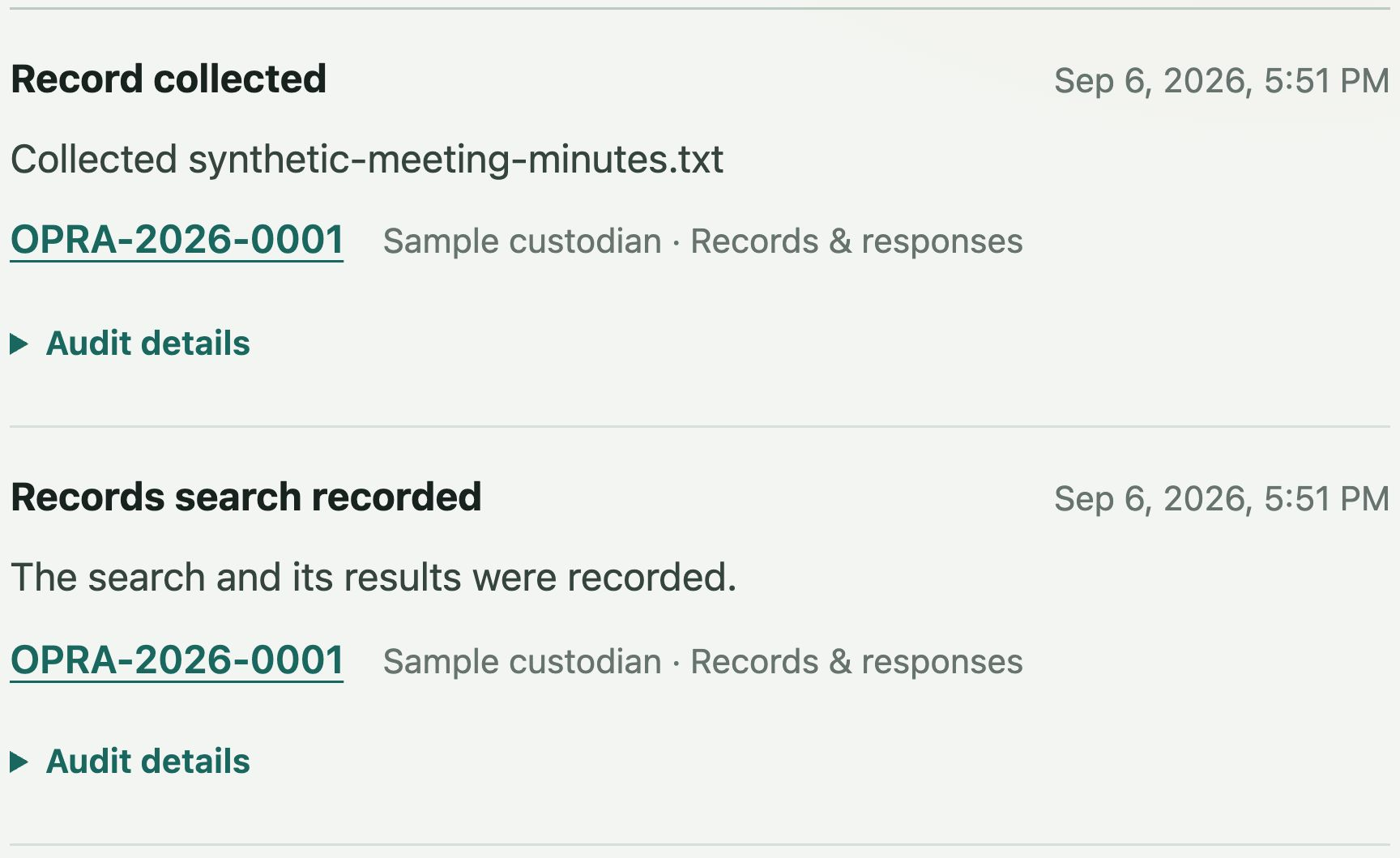
See what happened, and when.
Use Activity to find the relevant event and return to its request. Release packages and internal audit exports serve different purposes.
Understand the exports
File support
Start with PDF and text records.
Try the review workflow with the included files. The format guide separates public-demo support, reference-application work, and planned formats.