
SSE user guide
Start with a sample request
A five-minute tour of the demo, from a prepared request to its review history.
Follow one sample request from collection to a saved review decision. Allow about five minutes. Bellwether is SSE’s demonstration application.
Open the prepared request
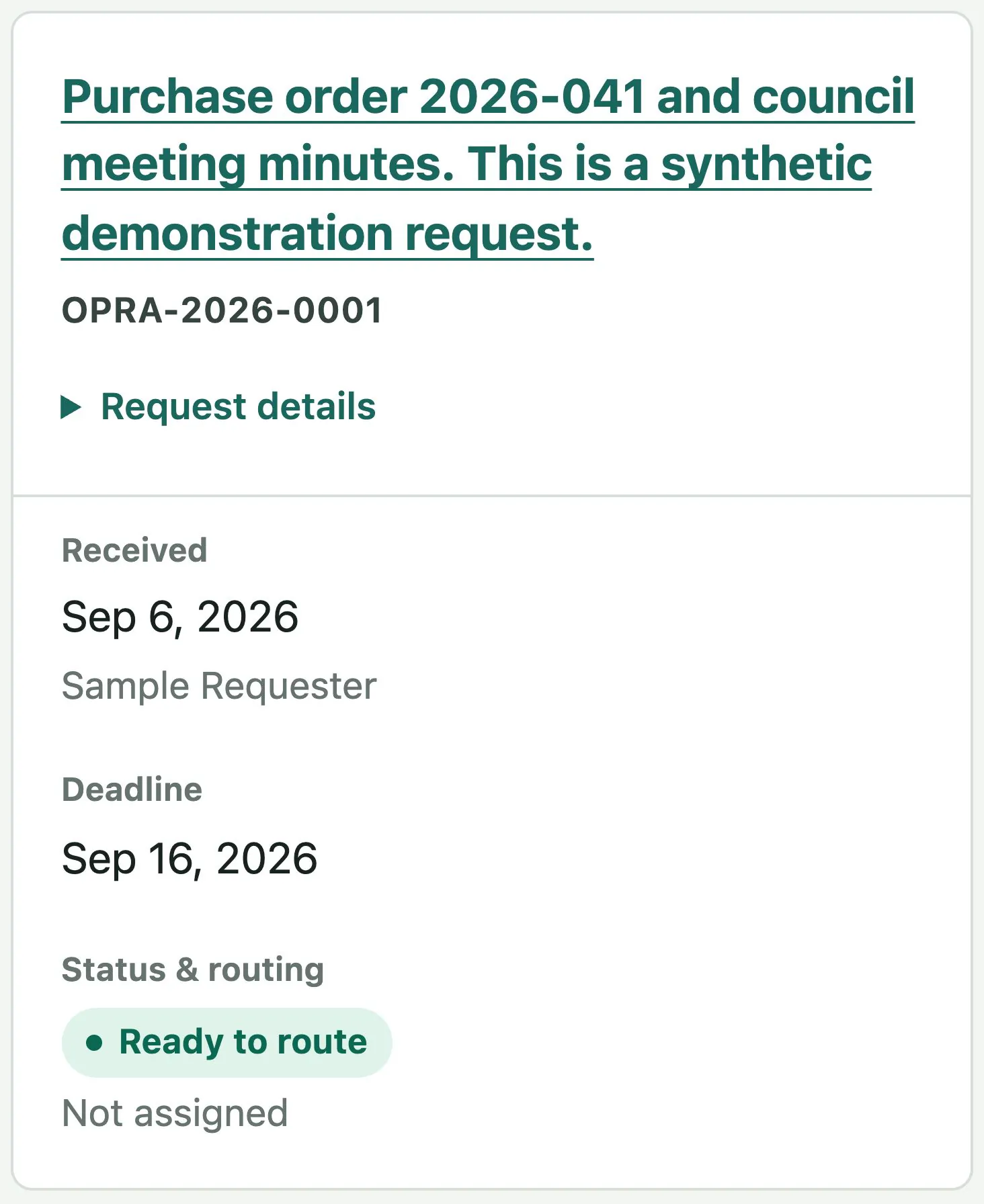
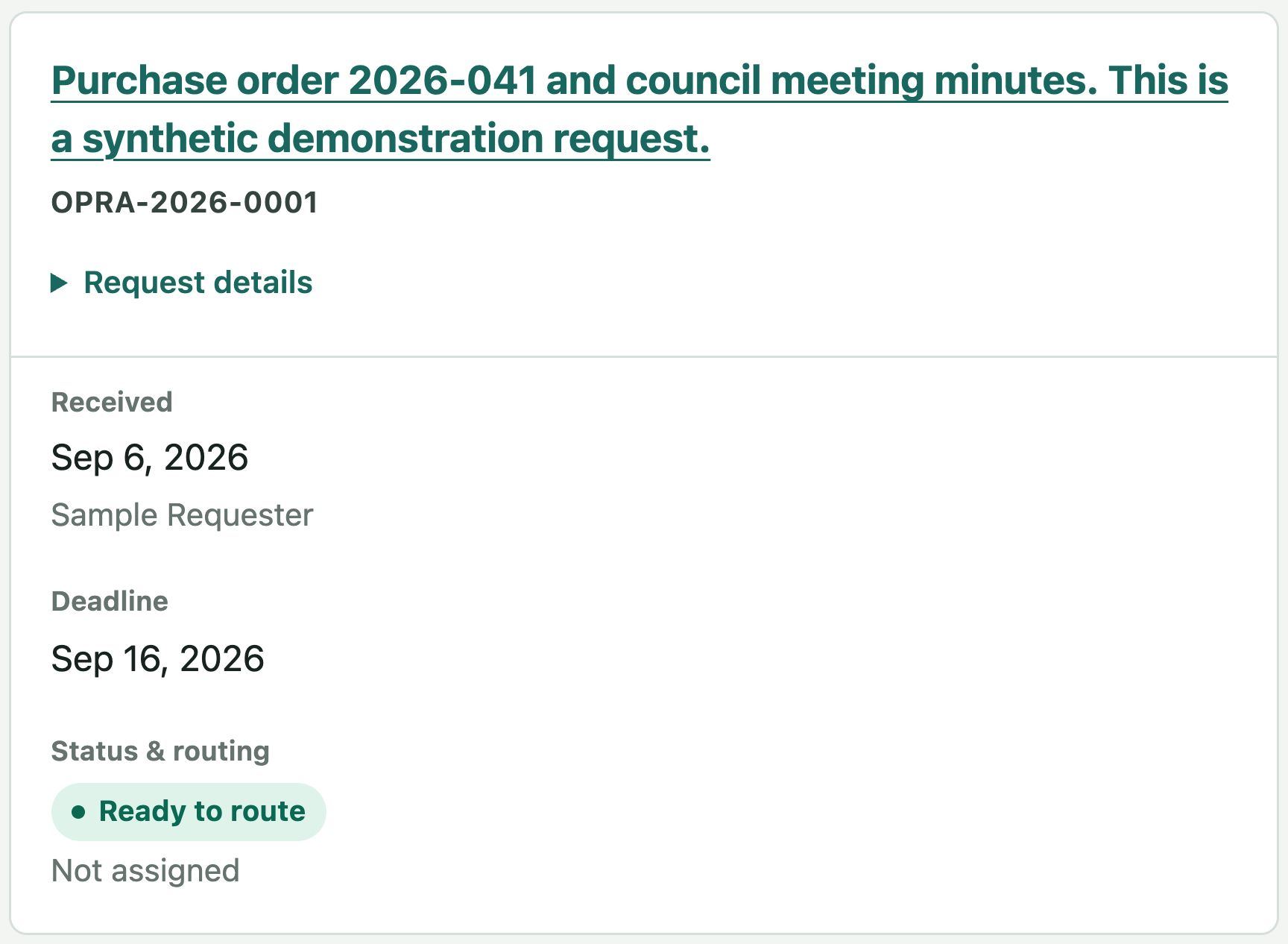
Open the demo, expand Demo options, and select Open sample request. Its reference looks like OPRA-2026-0001.
The overview includes reviewed intake, a configured response clock, and department routing. Two requested items and two collected records are ready to explore.
Find the collected records
Select Review records and respond. In Records, compare the requested items with the sample purchase order and meeting minutes. The other tabs are Review, Response, and History.
Save one review decision
Open Review and inspect the sample minutes with Open original. Choose Make a decision, select Release in full, and enter “Practice review of the synthetic minutes” as the reason.
Select Save record decision, then Inspect release copy. The original stays separate from the approved copy. See review and redaction for other decisions.
See what remains before release
Open Response. Each requested item needs an outcome and explanation, and the other record still needs review. The page lists missing decisions, letter approval, and any fee decision needed before a package can be created.
You do not need to finish the response for this tour.
Find your saved action
Open History to inspect the request’s recorded actions. The main Activity link shows actions across requests; search the request reference to find your decision.
To start again, expand Demo options, select Reset demo, and confirm Reset my sample work. This replaces only your temporary workspace.