
Features
Follow the request through to the response.
Bellwether brings intake, record review, and response preparation into a single workspace for the clerk.
Receive and route
Create a request or review the fields extracted from an incoming PDF. Keep the received date, request description, and department assignments with the case.
The response clock records its calculation and later changes for custodian review. Staff confirm the applicable date and any agency closures.
Intake and routing guide →Collect against the requested items
Break the request into items. Search the two sample files or collect a PDF or text record, then associate it with the item it answers.
Live file-share and cloud connections are planned. Later source may include connector modules; none is connected in the public demo, and none is public-available. Search in the public demo is limited to synthetic records.
View planned connectors →03 · Review
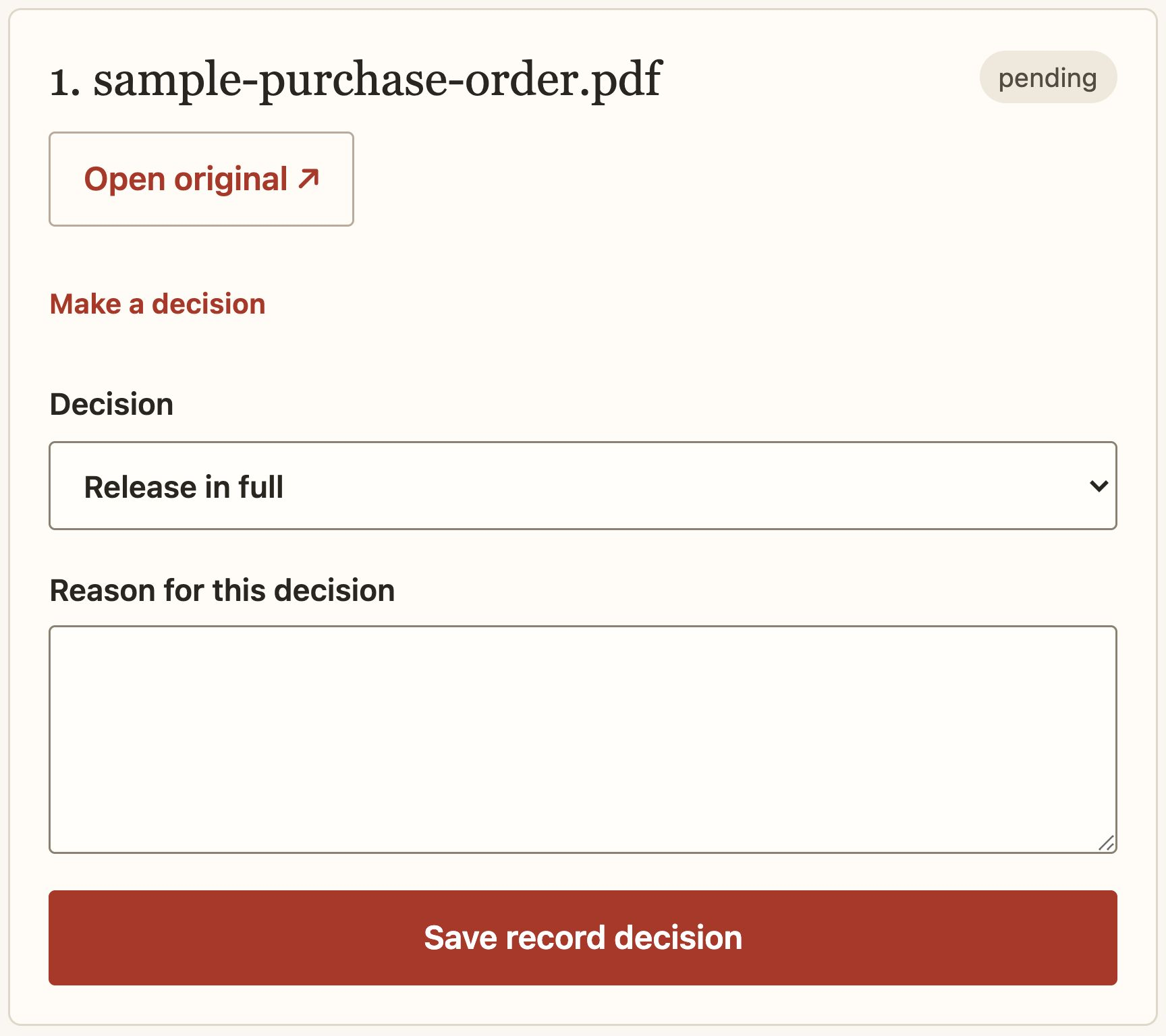
Inspect the source. Save the decision.
Release, redact, withhold, or mark a record as not responsive. Enter the reason and, where required, the specific authority. The reviewer supplies the judgment.
PDF region controls and exact-phrase text redaction prepare separate release copies. Inspect each output before approval. The public demo has no OCR review interface.
Review and redaction guide →
Prepare and approve the response
Give each requested item an outcome, review the estimate, and prepare the written response. Create a package after the records and response have been approved.
Package creation and delivery are separate events. The demo lets you practice recording fictional delivery evidence; it sends nothing.
Prepare a release package →A record of the work
Keep the history with the case.
Follow changes in Activity. Download approved response materials for the requester, or choose the separate internal audit export when reviewing the case history.
History and export guide →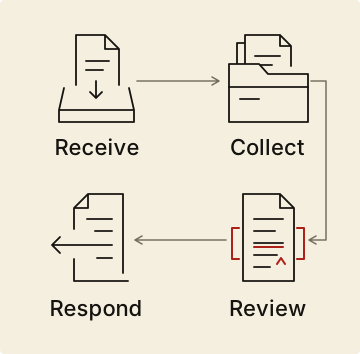
Try a complete sample request.
The getting-started guide walks through the public demo in about five minutes.