
SSE user guide
Follow the history and choose an export
Find a request, understand its activity, and distinguish the release package from the internal audit file.
Find the request, check its recorded actions, and choose the correct download. Keep internal case evidence separate from the requester’s approved release.
Find the request reference
Open Requests. Search a reference such as OPRA-2026-0001, words from the request, or a supplied requester name. Use Status to filter and Order to sort.
Open the reference to see the request. Request details expands its description. Links use the reference, without putting the requester’s name or description in the address.
Read the recorded actions
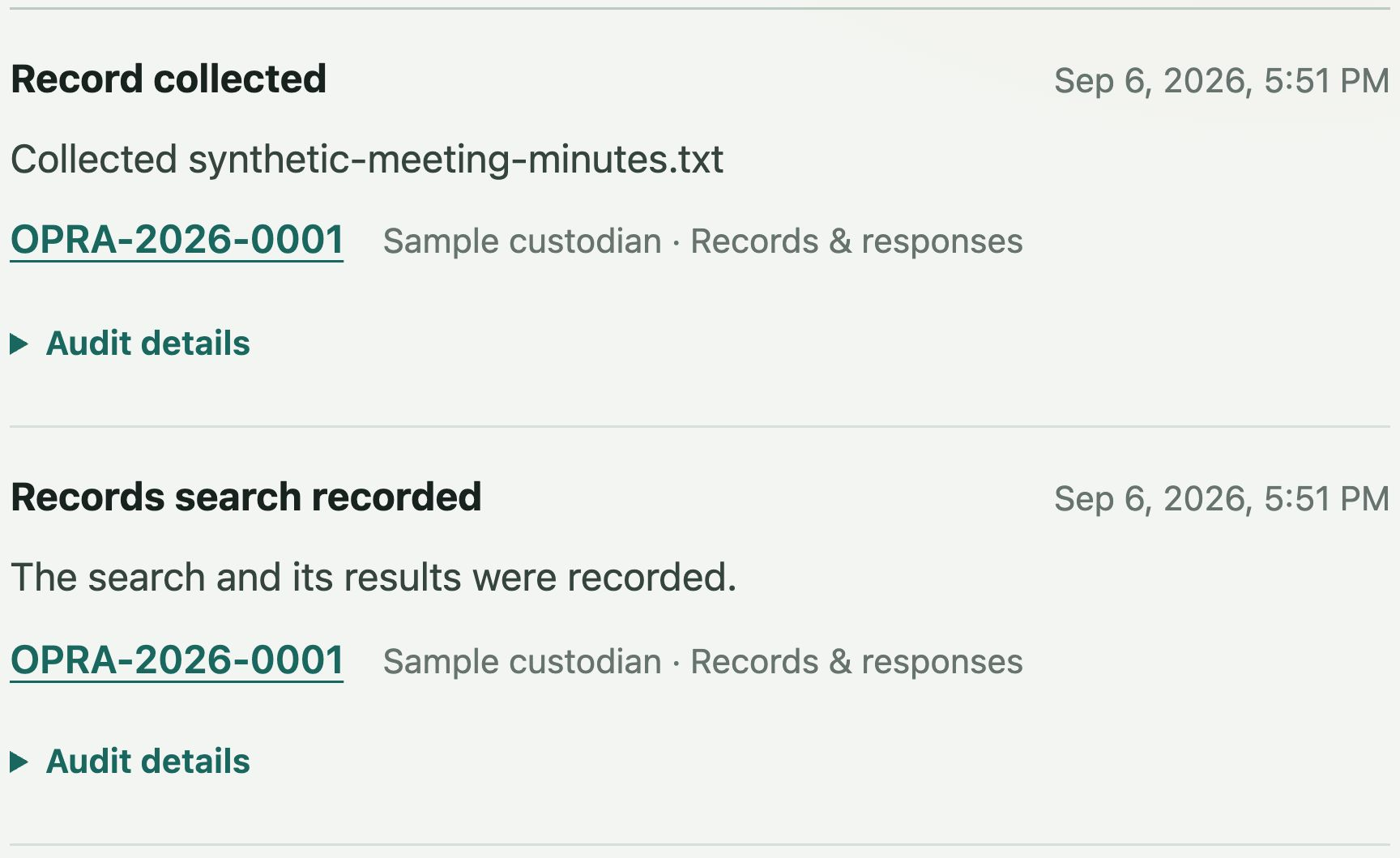
Activity combines intake and routing, records and responses, and deadline events. Search the request reference or an action, choose an activity filter, and change the order as needed.
Expand Audit details for the source history, sequence, event type, recorded time, and fingerprints. The global list searches the latest 500 entries and states when that limit applies. Use the request’s History for its own retained evidence.

Choose the right download
Use Response for approved release files. Use History for internal case evidence. Check the contents before using either file.
For the response
Approved release package
Download latest approved package provides a ZIP with
response.txt,manifest.json, and approved release files. Deliver it through the agency’s separate approved process.For internal review
Internal audit file
Download internal audit file retains case evidence and may include unredacted originals. Keep it internal; it is not the requester’s release package.
Close the completed request
After approved production and recorded delivery, choose Close the completed request in History. Preservation holds record a retention need; they do not pause deadlines or stop response and closure actions.
The public workspace still expires or resets, even if a hold is recorded. Check demo storage limits.
What verification establishes
Intake, deadline, and record-review histories keep separate event chains. Fingerprints and snapshots support checks for inconsistencies in recorded evidence and retained files.
A valid check does not prove every real-world event was recorded, authenticate staff, verify delivery, or establish legal compliance. Review the underlying evidence alongside the result.